

Patrols with QR and NFC checkpoints
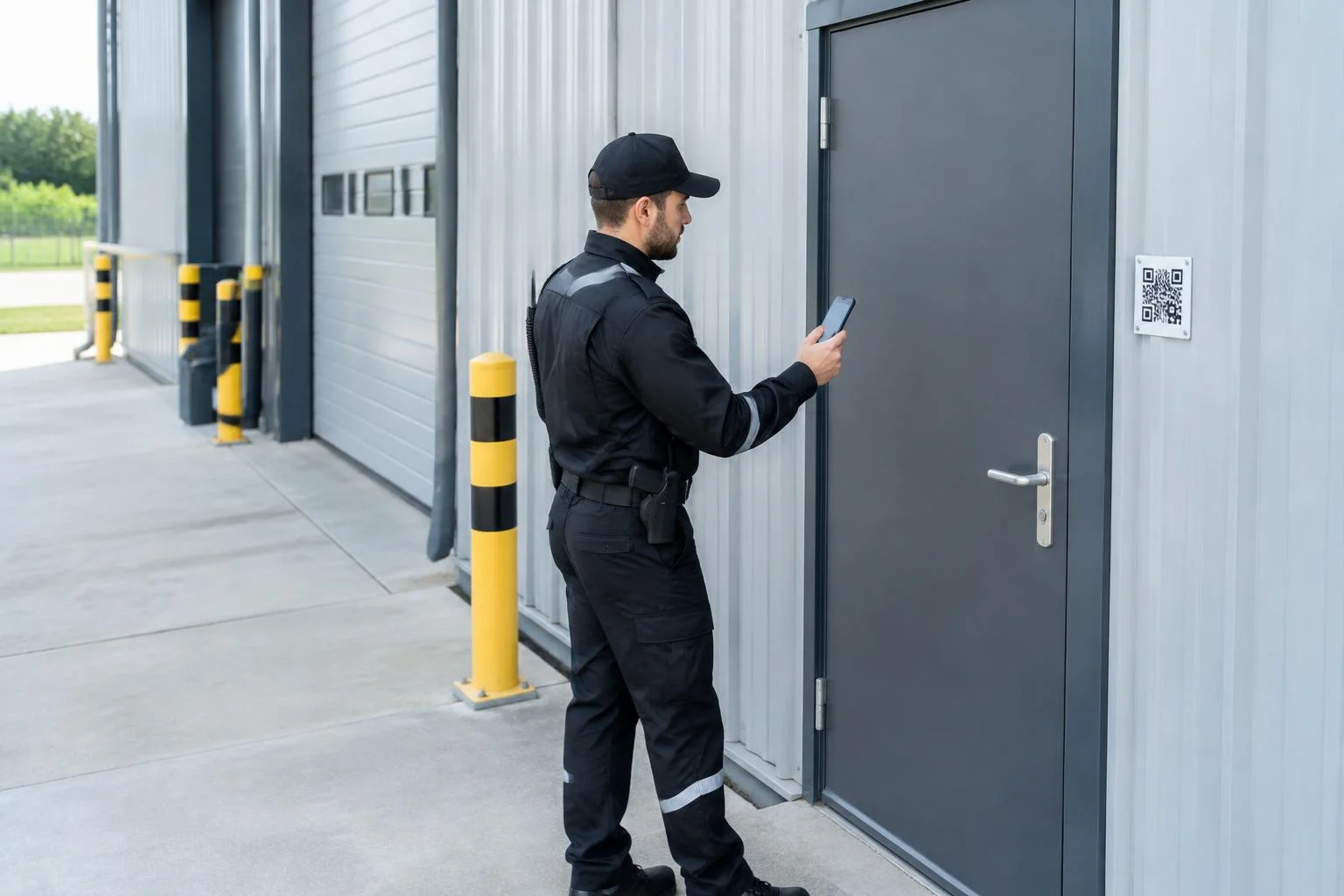
The patrol follows QR and NFC checkpoints, with recorded times showing the sequence of completed checks.
Learn more about this featureVarilo helps security companies document site patrols on a phone. Guards confirm each checkpoint with a QR code or NFC tag, complete an inspection checklist and record observed issues.
Supervisors receive one report with checkpoint confirmation times, answers and photos. GPS location can be required in the patrol settings.
A paper patrol sheet may not show what was checked at the gate, warehouse or plant room. Photos sent separately are difficult to link to the correct visit.
A digital checklist connects each checkpoint with its answers and evidence. Supervisors no longer need to collect entries from several notebooks after a shift.
Create a patrol route, assign questions to gates, doors and areas, then mark the locations with QR codes or NFC tags. A shared patrol can be completed without an employee account.
GPS records the phone location when a checkpoint is confirmed, if required and location access is granted. It is not continuous guard tracking or a guarantee of physical presence.
A security patrol documents checkpoint inspections; it does not replace alarm response or site security procedures.
Start with one route and an inspection scope agreed for the site.
Add route checkpoints and inspection questions for doors, gates and security features.
Install QR codes or NFC tags at the checkpoints and configure GPS requirements.
The guard confirms checkpoints, answers questions and attaches photos of observed issues.
The supervisor reviews checkpoint results, reasons for skipping and reported issues.
Adapt the questions to site security instructions.
Create and edit checklists that match your own processes.
Launch the right checklist directly at the inspected place or piece of equipment.
Workers do not need their own account to complete a shared inspection.
Document issues found during an inspection and keep their history.
Keep inspection results in one place instead of binders and scattered files.
See how many inspections were done, their results and recurring issues.
Varilo connects the patrol route with checkpoint evidence and team access to results.
The patrol follows QR and NFC checkpoints, with recorded times showing the sequence of completed checks.
Learn more about this featureReports keep answers and photos; reported faults remain in the log until an authorised person closes them.
Learn more about this featureTeams assign checklists and reports to the people responsible for each protected site.
Learn more about this featureEvidence stays linked to the completed route.
Ready-made inspection templates you can start from.
Daily patrol of the premises: common areas, installations, lighting, sanitary facilities, surroundings and security.
14 check points
View checklist